Getting Started
Install SimpliGen
Download and install SimpliGen on Windows, and what to expect on first launch.
Download
Download the latest SimpliGen installer from your purchase email or the SimpliGen website, then run it. SimpliGen is a Windows desktop app.
First launch
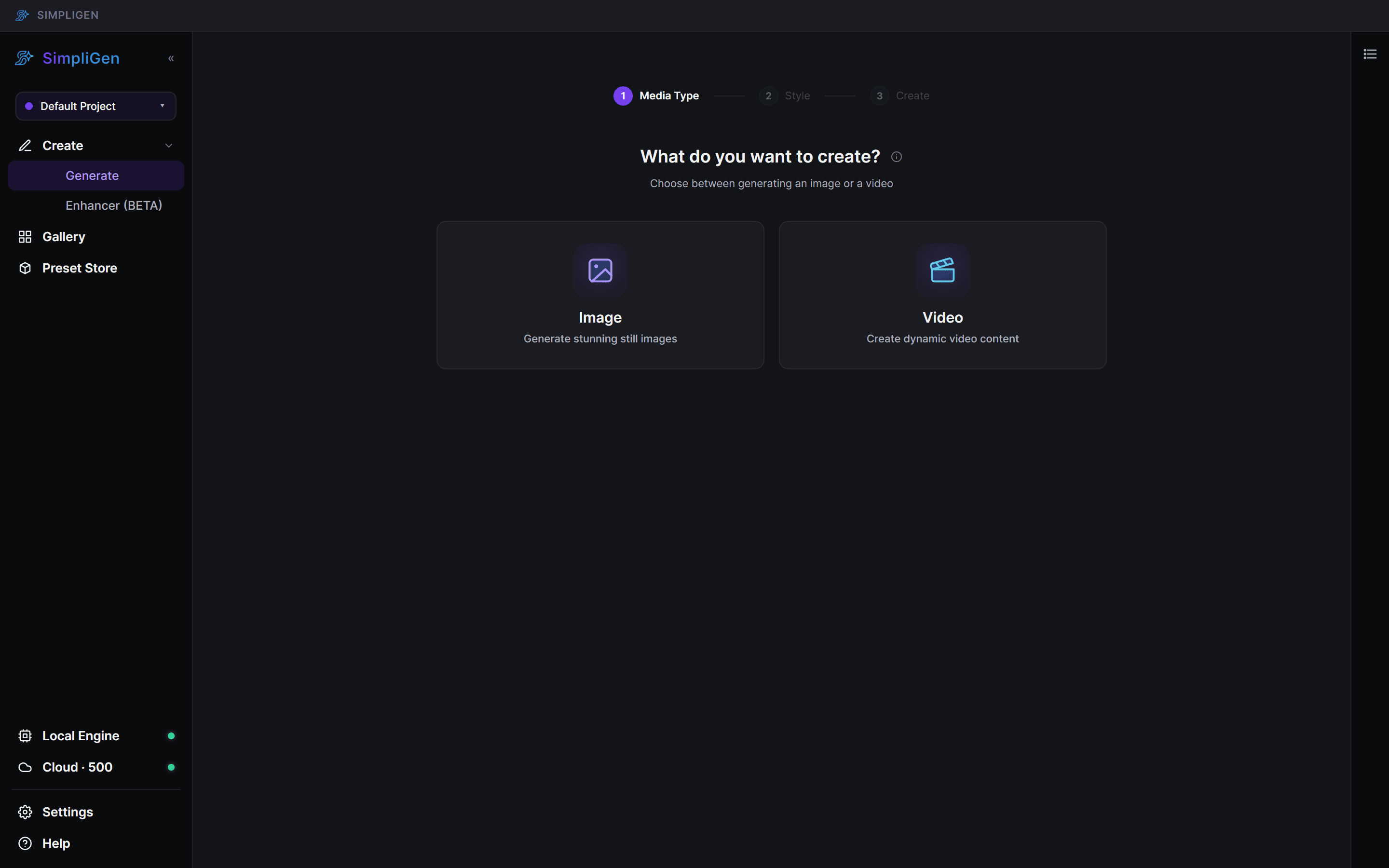
On first launch SimpliGen sets up its workspace. You can generate in two ways:
- Cloud: generate on our GPUs using credits. Nothing to install.
- Local: generate on your own GPU. SimpliGen installs an embedded engine (a portable Python + ComfyUI) the first time you use a local preset.
No GPU? Use Cloud
Cloud generation runs on SimpliGen's GPUs and requires no local installation. Select any cloud-enabled preset and generate with credits; no NVIDIA card needed.
System requirements
- Windows 10/11.
- For local generation: an NVIDIA GPU (RTX 20-series or newer); image presets work on smaller cards, video presets need more VRAM.
See System requirements for the full GPU table, expected generation times, and unsupported hardware.
If the engine install fails, see Engine install problems.